
DXonJet OS 2.0
Comprehensive optimization. Unparalleled stability and efficiency. Introducing multiple self-protection features and practical operational functions to elevate your printing completion rates.
The Brain of Your Workflow
Smart tools designed to eliminate downtime and maximize print quality.
Intuitive Command Center
Experience a fully optimized dashboard that puts complete control at your fingertips. From job queueing to real-time status monitoring, every interface is designed for maximum operational clarity.


Advanced Waveforms
Carefully modulated waveforms maximize the performance of Epson printheads while ensuring their long-term lifespan and reliability.

Background Skipping
Intelligently identifies non-printing areas and automatically skips scanning, saving massive printing time and improving print efficiency.

Pause & Resuming
After a power outage or intentional print pause, DXonJet OS will automatically record the interruption point, allowing you to seamlessly continue.

Multilingual Support
The DXonJet OS 2.0 supports multiple global languages natively and allows for customized language packs to be created specifically for clients.
Precision, Protection & Color Science
Enterprise-grade calibrations to secure your machine and deliver perfect colors.

Advanced Calibration
Advanced calibration tools offer a precise and efficient calibration process, enabling quick completion of pre-printing setup.
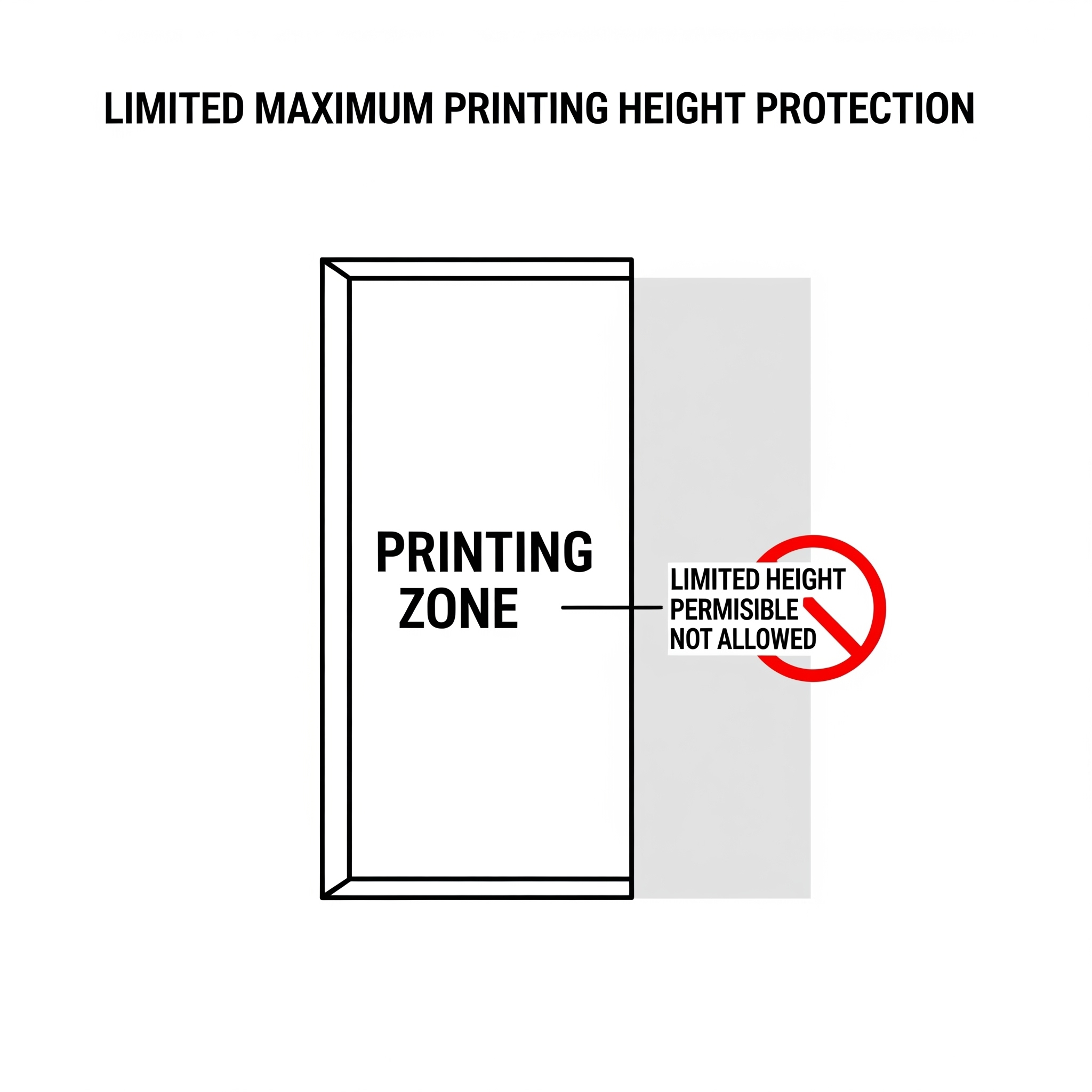
Height Protection
Set a highest printing point. The printer operates only within defined areas, avoiding human-error collisions.
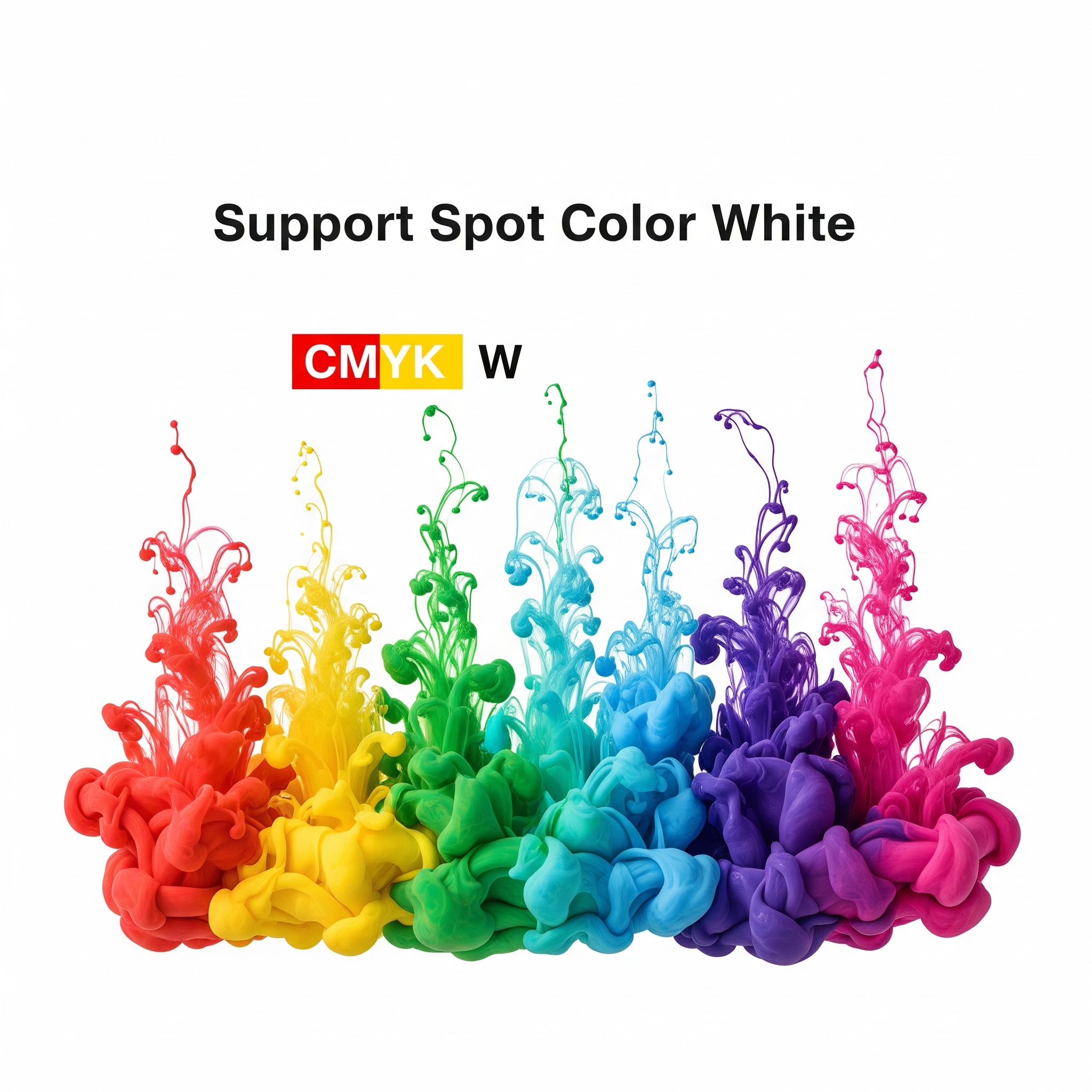
Spot Color & ICC
Unlock greater potential with white ink. Supported by precise ICC profiles to guarantee accurate color reproduction.
Wireless Control System
Take full command without being tethered. With the wireless control system, users can remotely control the printer's operation via any mobile device.
Within the same Wi-Fi network coverage, you can view the printing process in real-time, even from an adjacent room or floor.

Packed with More Features
Every tool you need for a professional wall printing workflow.
Need A Talk?
Contact us or schedule a meeting to have your questions and concerns addressed.

 English
  Español
  Français
  Deutsch
  Italiano
  Nederlands
  Polski
  Русский
  Türkçe
  한국어
한국어  Română
  繁體中文
繁體中文  العربية
  हिन्दी
  日本語
日本語