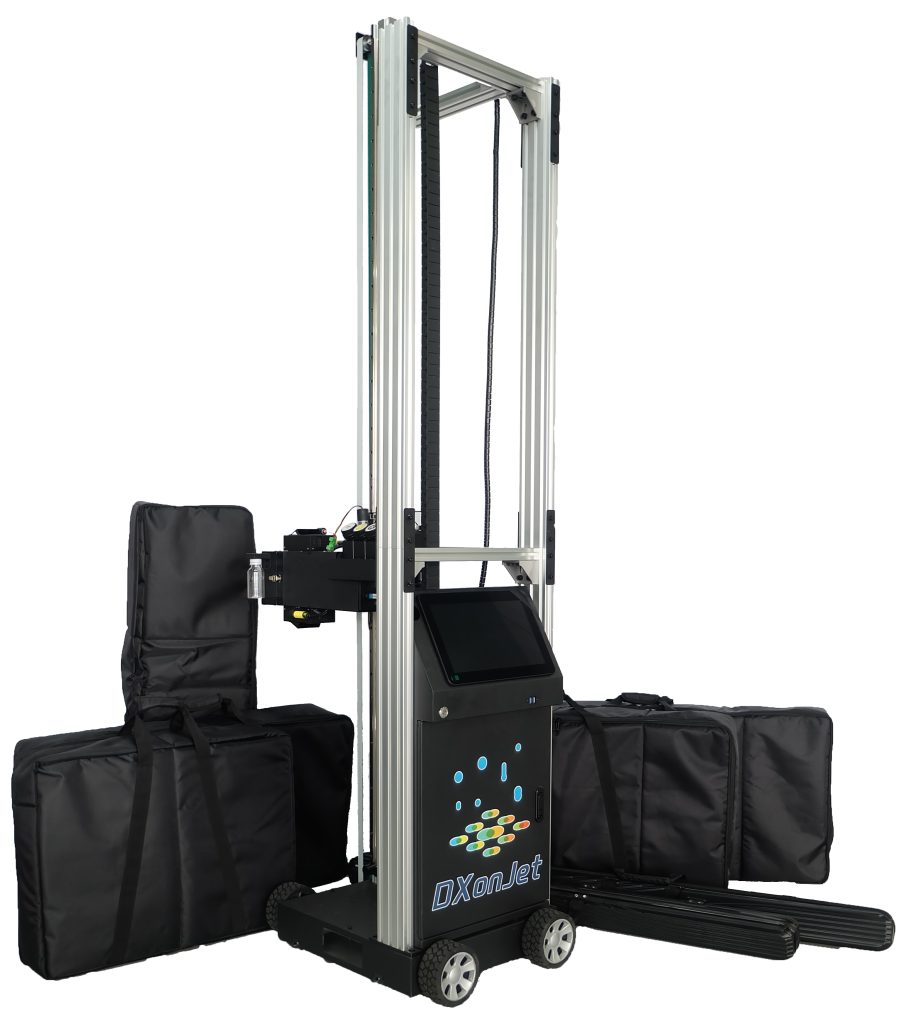
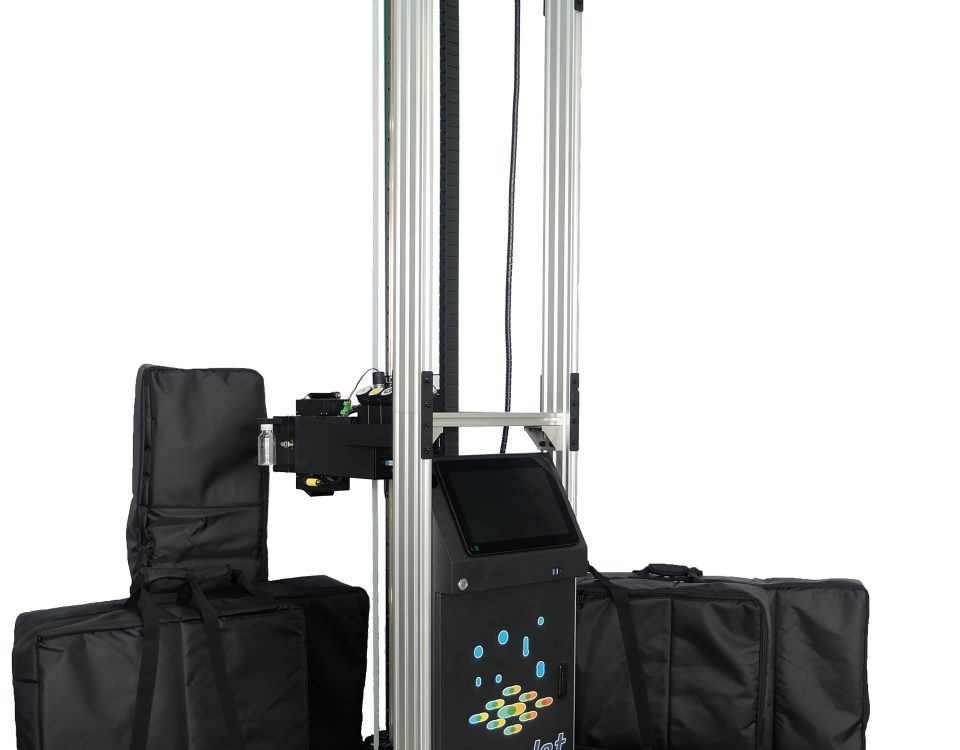
Introducing VPJet4.0 Vertical Wall Printer Machine
July 4, 2023
Issue And Solution For The Wheel Drive of Vertical Printers
July 29, 2023The DxonJet control software has been updated and can now automatically perform maintenance on the print head.
This program can be set up on the VPJet series wall printers. With the printer powered on, it will automatically undergo a cleaning and maintenance process every 48 hours to keep the internal channels of the print head moist and clear, preventing clogging issues from occurring.
Table of contents
- Why is it necessary to maintain the printhead of a vertical wall printer?
- How to maintain the print head of a vertical printer?
- Why is the DXonJet fully automated maintenance program so important?
- How to set up an automatic maintenance program?
- The operational process of DXonJet's fully automatic maintenance program
- Summary
Why is it necessary to maintain the printhead of a vertical wall printer?
The vertical wall printer uses a piezoelectric print head to spray UV ink onto the wall in an orderly manner, forming a regular image through program control.
UV ink has a certain degree of corrosiveness, and if the print head is not maintained for a long time, the UV ink inside the print head is prone to precipitation and drying, thereby blocking the print head or damaging the internal structure of the print head. Therefore, it is necessary to regularly clean and maintenance the print head.
How to maintain the print head of a vertical printer?
Regularly replacing the ink accumulated inside the nozzle and cleaning the ink residues on the surface of the nozzle are the most effective methods for maintaining the vertical printer print head.
In addition, using high-quality ink can also effectively prevent corrosive UV ink from damaging the internal structure of the nozzle.
Two general methods for replacing the ink in the print head of a vertical printer
1. Manually extract the ink from the print head using a syringe. This method requires the user to remove the print head, connect the ink tube to the syringe, and manually extract the ink.
2. Using an ink extractor to remove ink from the print head. This method is simpler and a semi-automated process. Users only need to install the ink extractor on the print head assembly and control the software to complete the ink extraction and cleaning process."
Why is the DXonJet fully automated maintenance program so important?
Traditional nozzle maintenance methods require users to do it every few days. If customers go on vacation for weeks or forget to maintain the nozzles, it may cause nozzle clogging. Therefore, an automatic nozzle maintenance program is essential.
How to set up an automatic maintenance program?
It is very convenient to design an automatic maintenance program in DXonJet control software. Simply click the "Travel" button when the printer is powered on, and the printer will automatically start the maintenance program. At this time, the printer interface will turn gray and all buttons will become ineffective.
The operational process of DXonJet's fully automatic maintenance program
In the Travel mode of the DXonJet software, the printer will automatically perform the maintenance program for the print head. This program runs once every 48 hours and operates as follows:
First, it will extract the ink for 5 seconds
Then pause for 5 seconds
And then extract the ink for another 5 seconds.
After that, it will pause for 20 seconds and perform a 5-second cleaning operation before stopping and waiting for 48 hours before running the program again.

Summary
Keeping the print head in optimal condition is crucial for the proper functioning of a vertical wall inkjet printer. The print head is the core component of the vertical printer, and its maintenance can significantly reduce the chances of printer malfunction.
The DXonJet automatic maintenance program can effectively assist customers in keeping their print heads in good condition, allowing them to travel without worrying about the risk of clogs."


 English
  Español
  Français
  Deutsch
  Italiano
  Nederlands
  Polski
  Русский
  Türkçe
  한국어
한국어  Română
  繁體中文
繁體中文  العربية
  हिन्दी
  日本語
日本語